Project: OMNI
A downloadable game
Coming Soon!
All content on this page is representative of work-in-progress material and is subject to change.
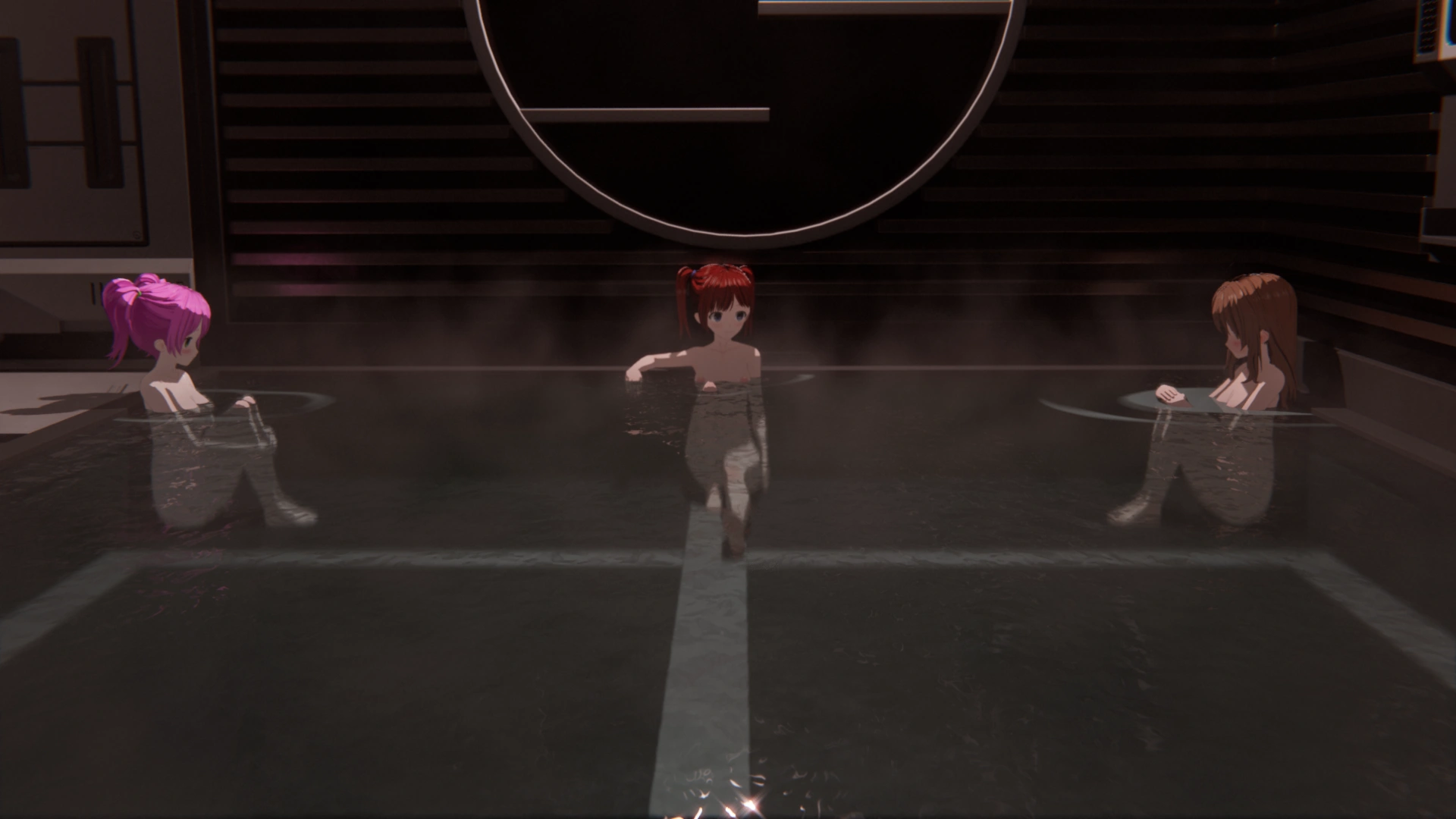
18+ Warning: Project: OMNI contains explicit sexual content, as well as graphic nudity in both sexual and non-sexual contexts. All characters depicted are 18 or older.
Content Warning: Project: OMNI contains content that some individuals may find disturbing, including strong profanity and depictions of violence. Discretion is advised.
Welcome Aboard
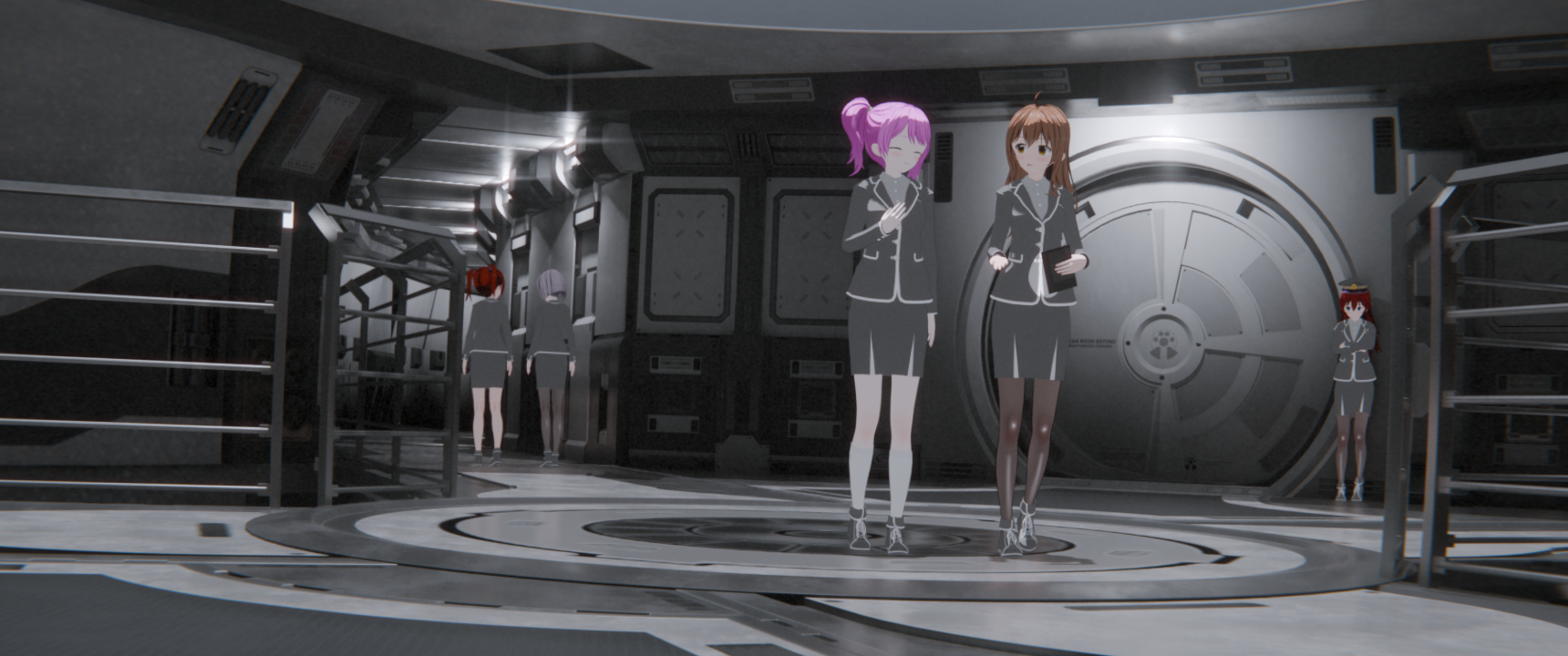
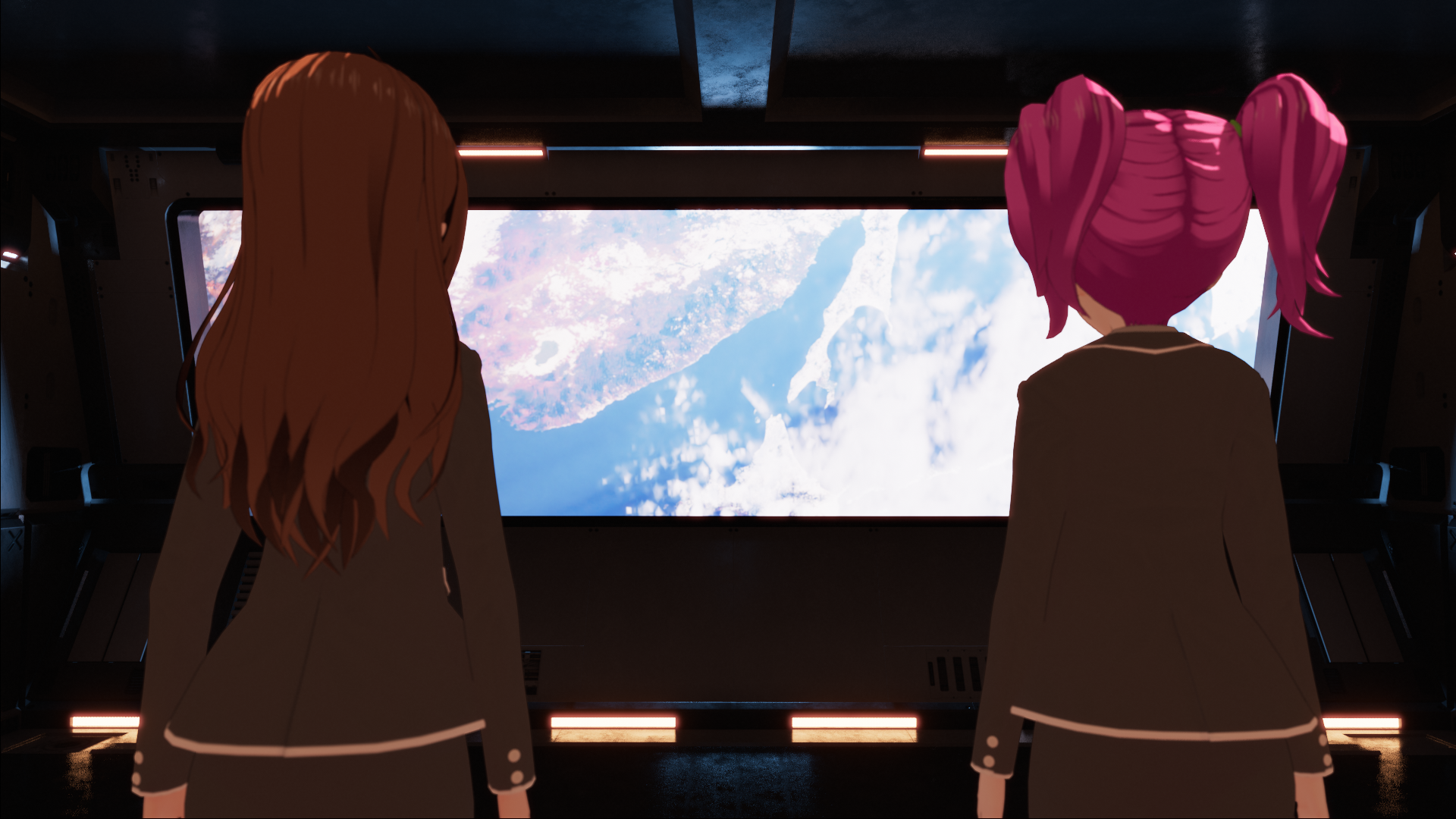
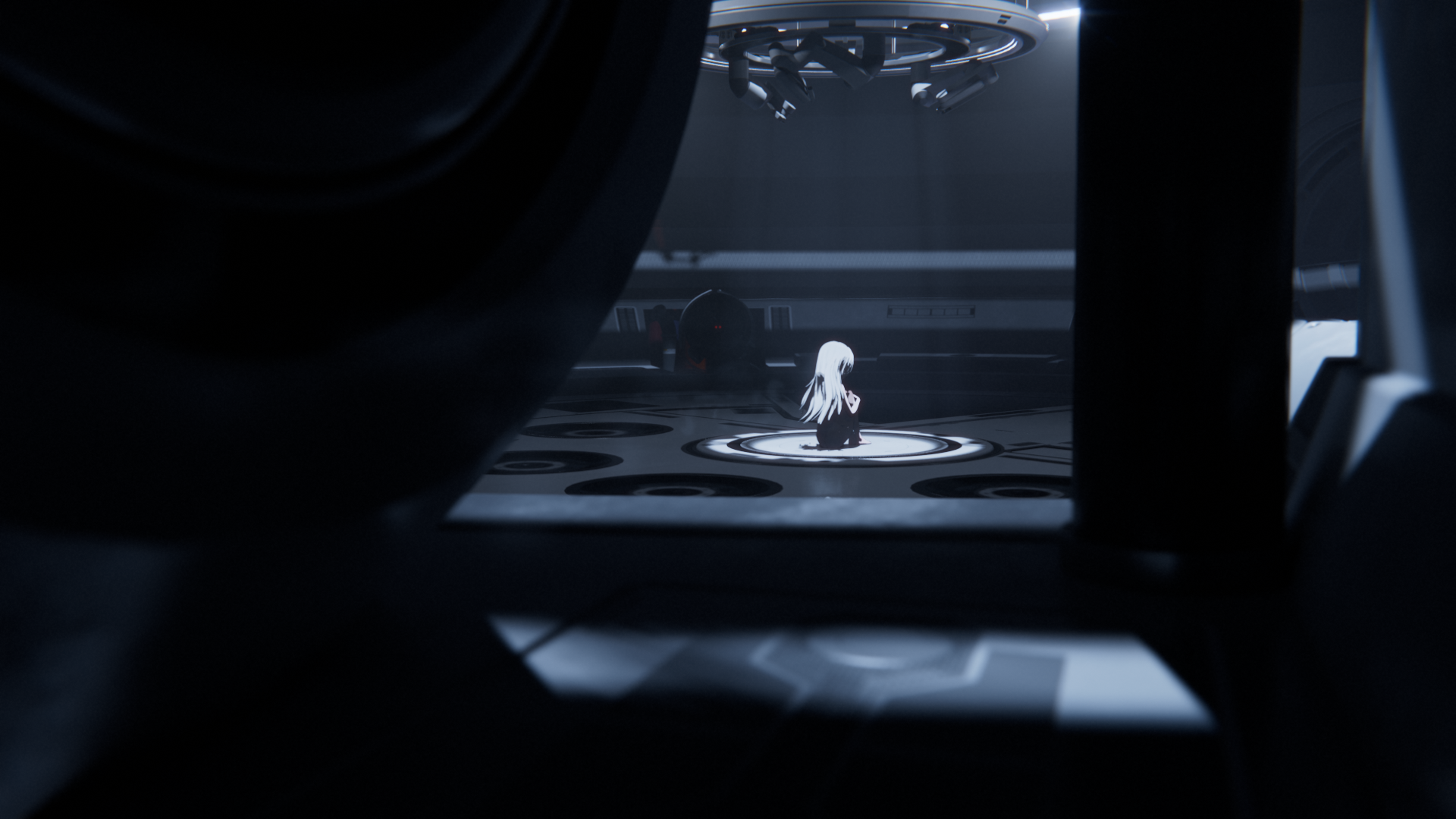
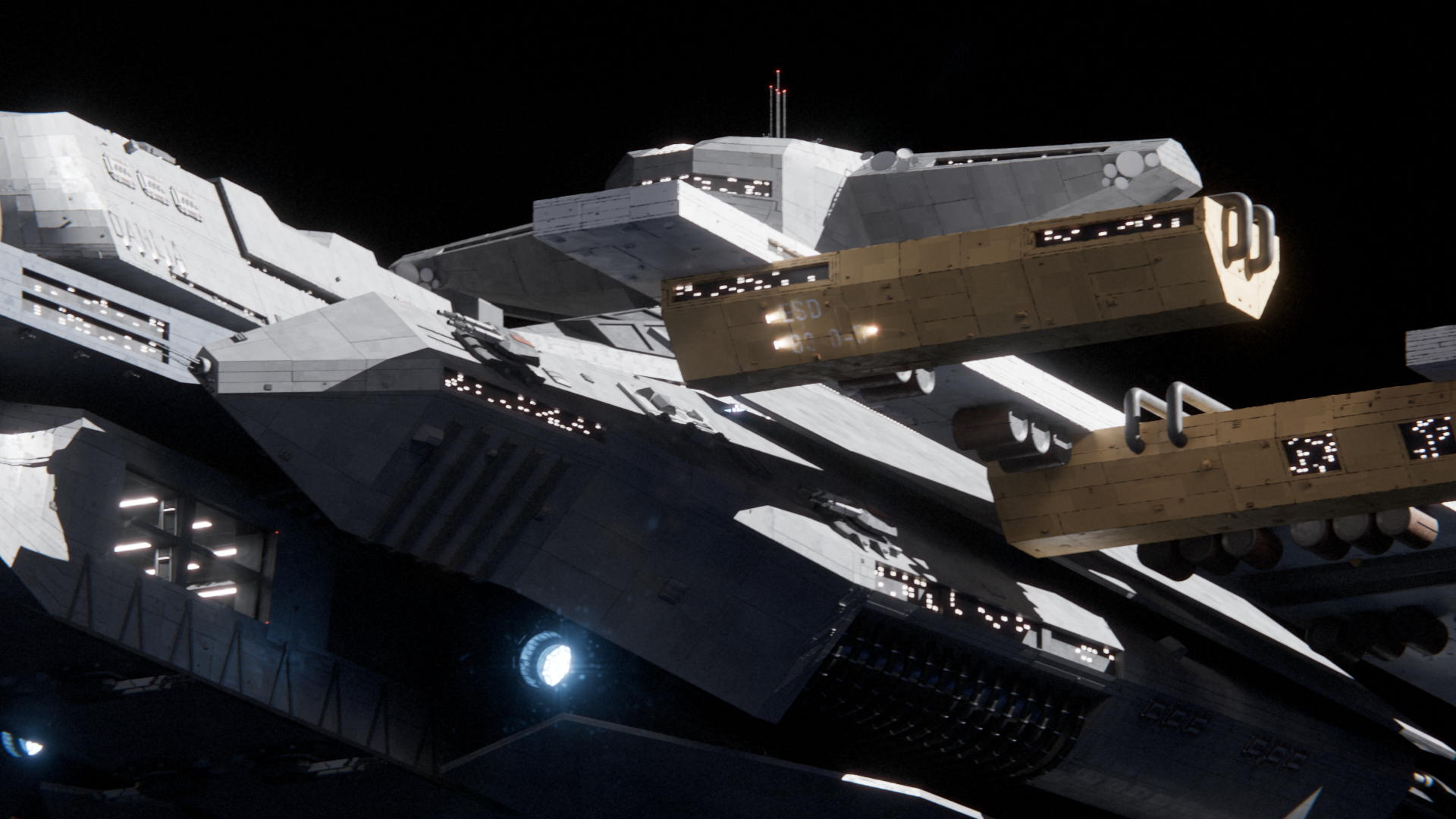
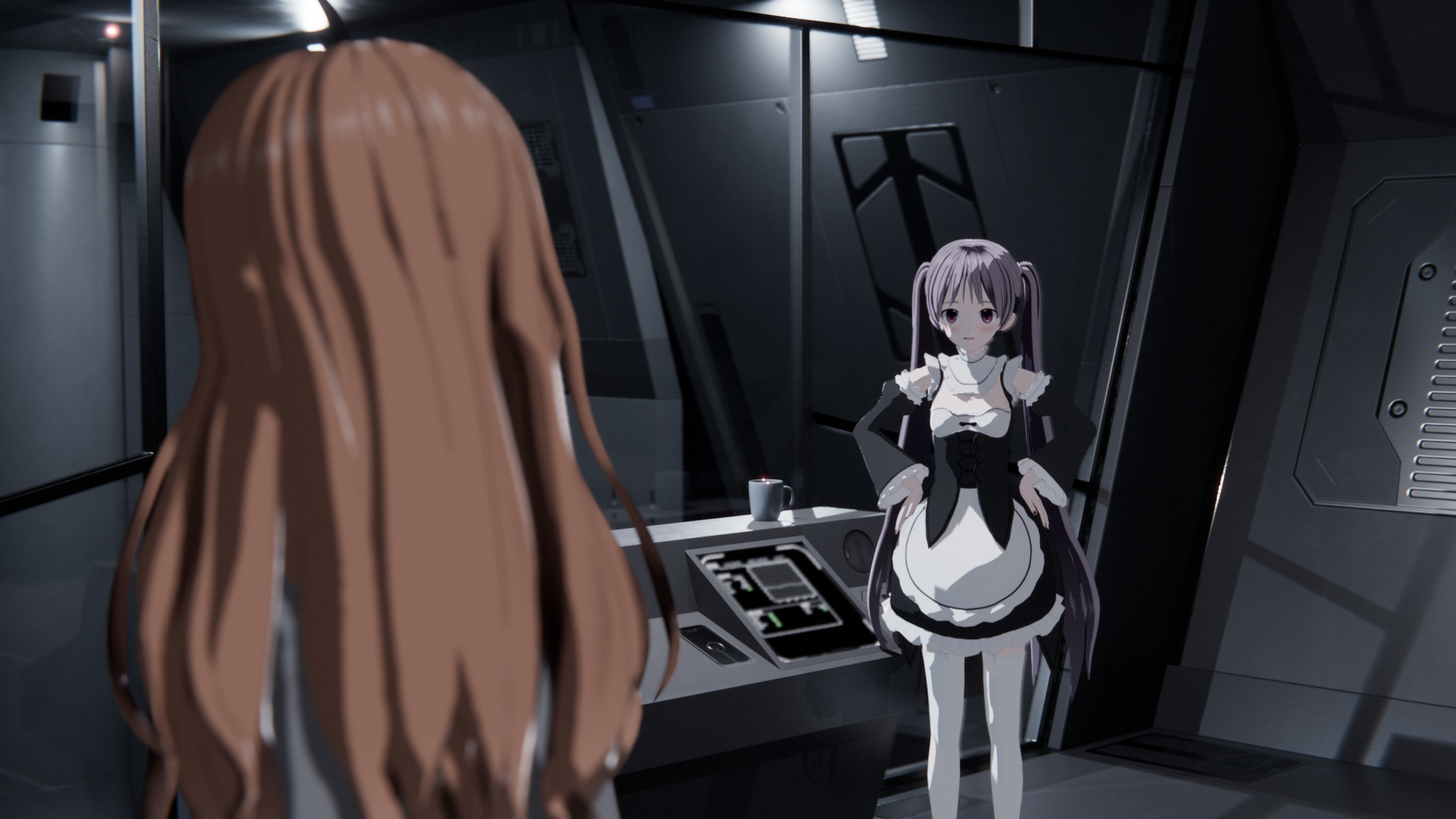
The year is 2113. Mankind has expanded into the stars, forming extrasolar colonies days, weeks, and months from the homeworld of Earth. Such long-distance travel is enabled by Cores, humans augmented with advanced implants that effectively turn their brains into organic supercomputers. Humanity owes its prosperity among the stars to the Cores, yet nobody seems to know much about them.
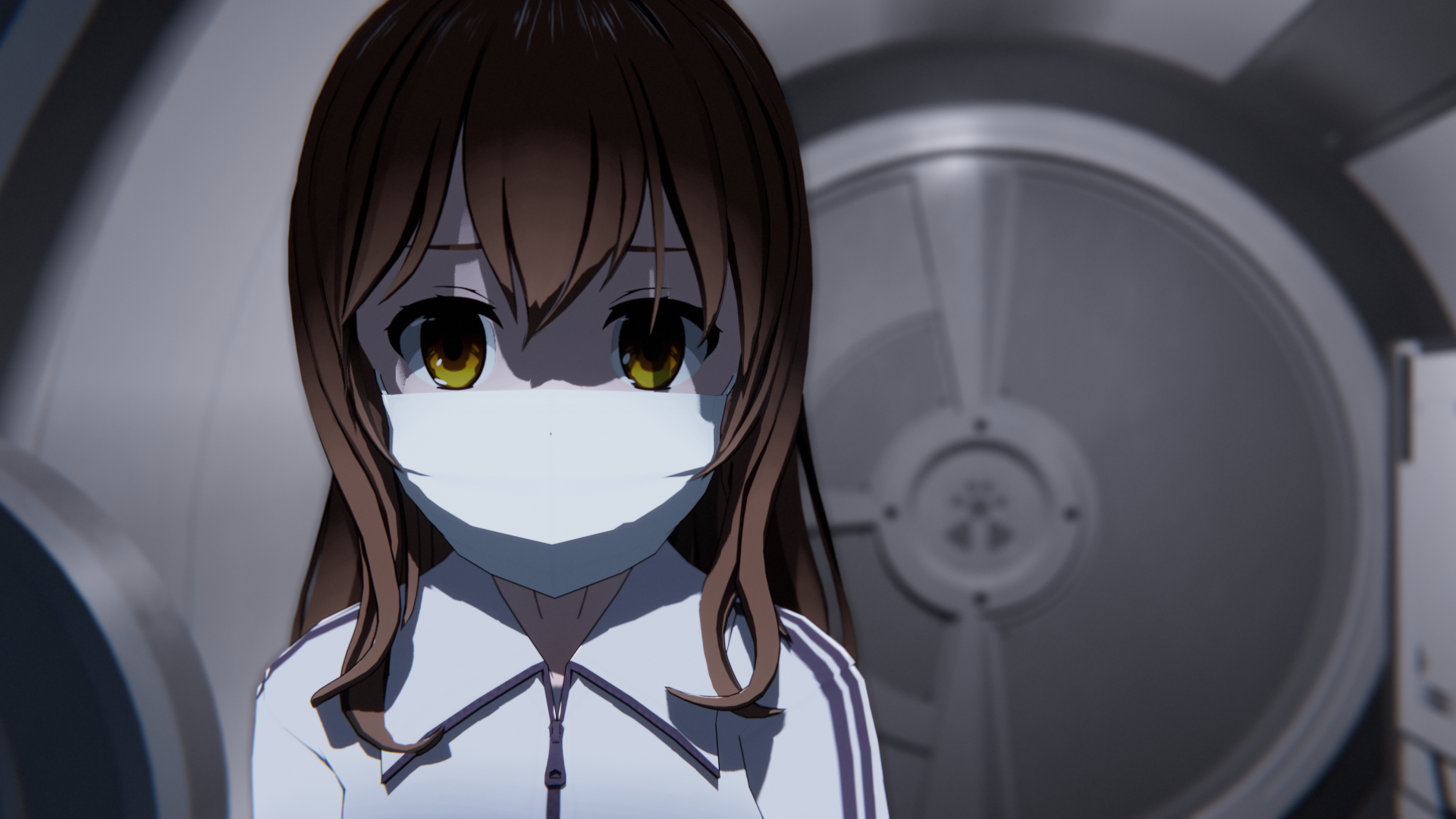
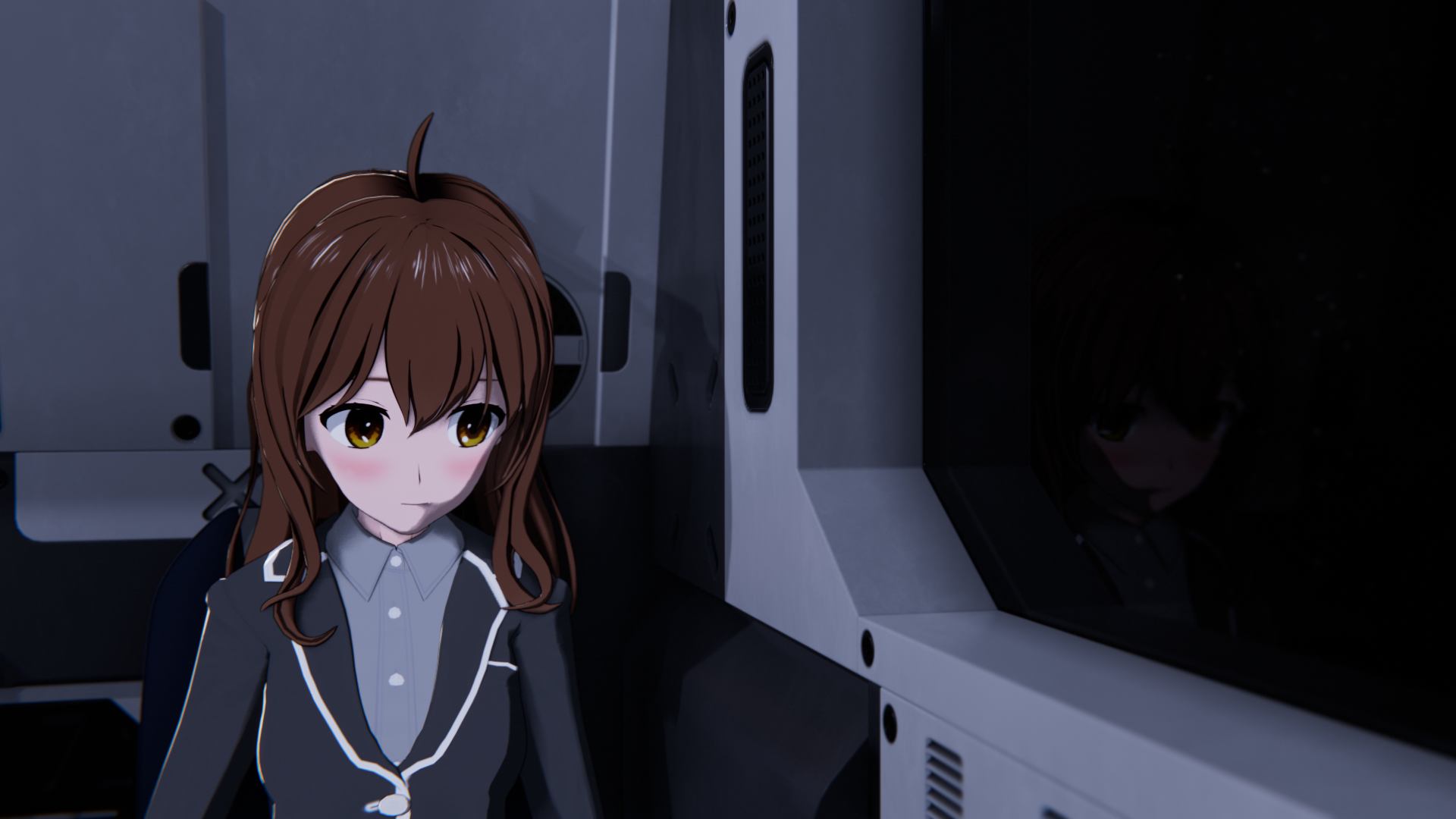
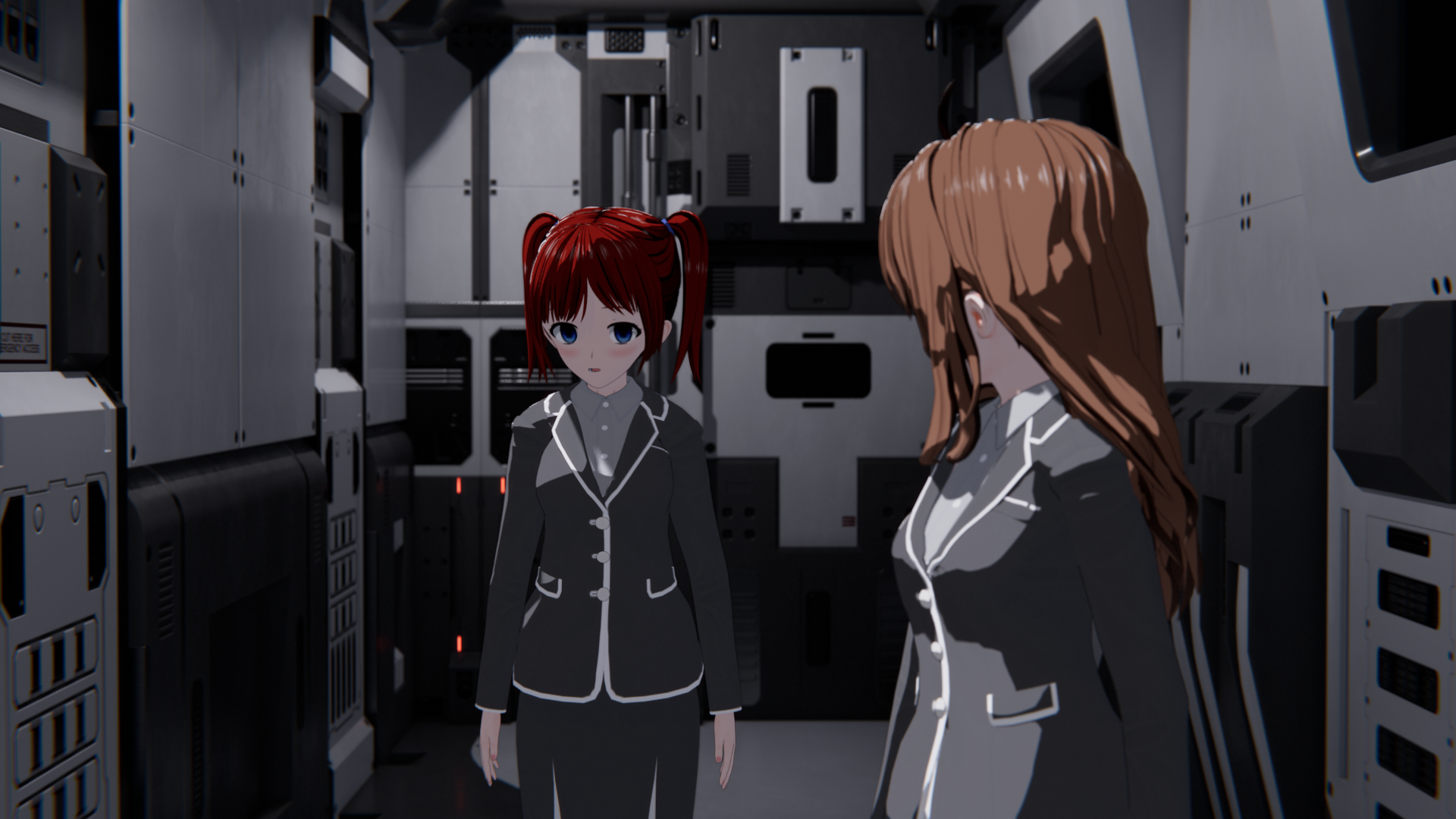
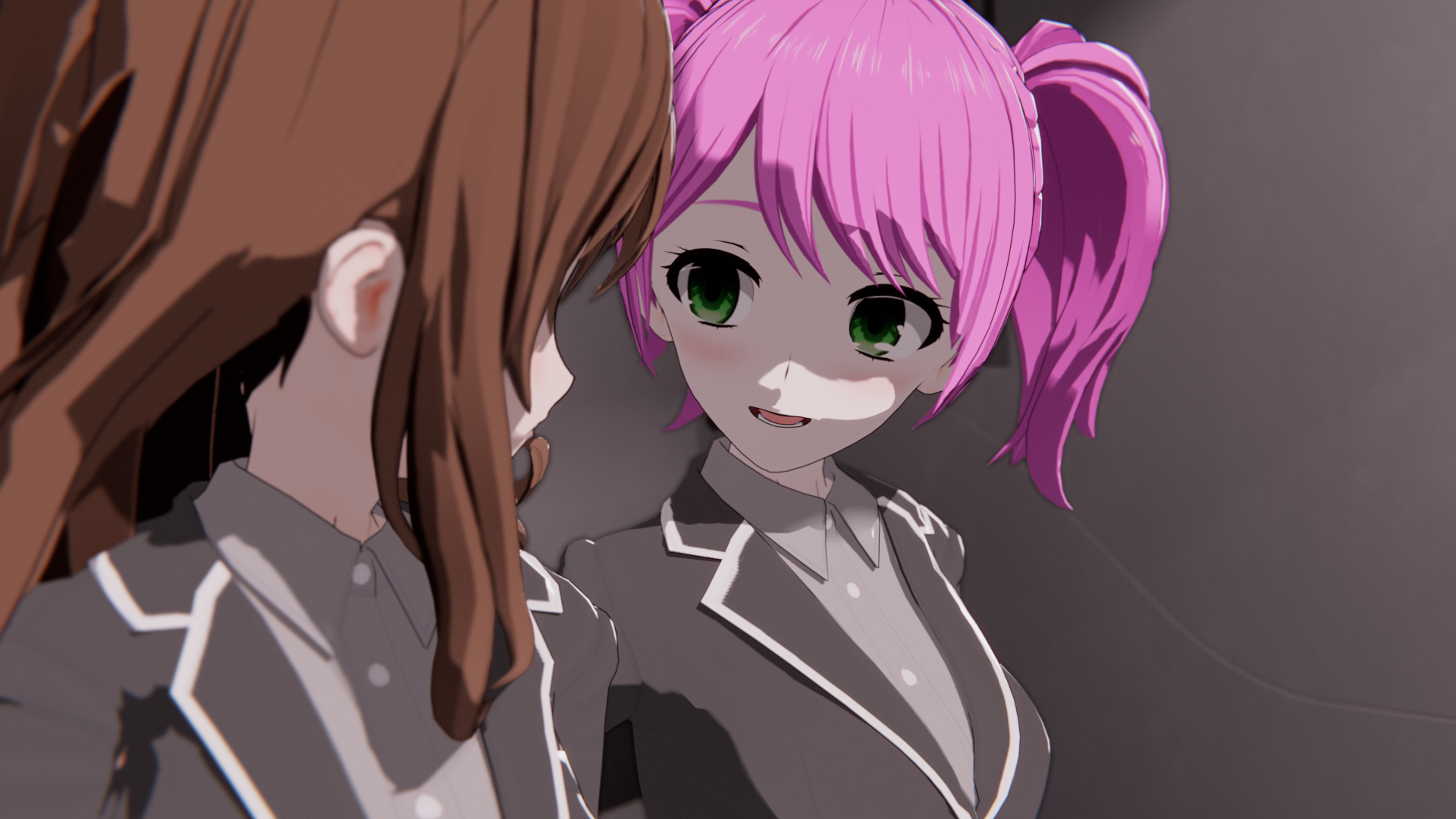
Lieutenant Mira Sakurai, a fresh graduate of the United Earth Extrasolar Fleet’s officer’s academy, finds herself assigned the task of caring for one such Core. While the timid newcomer hopes this opportunity will help her find herself, she does have some apprehensions. What are Cores like? Will they get along? What exactly does “maintenance” entail?
As Mira settles into her new job, she learns more and more about the dark secrets surrounding Cores. And as she spends time with her new team, making friends and forging relationships, she begins to wonder: is she doing the right thing?
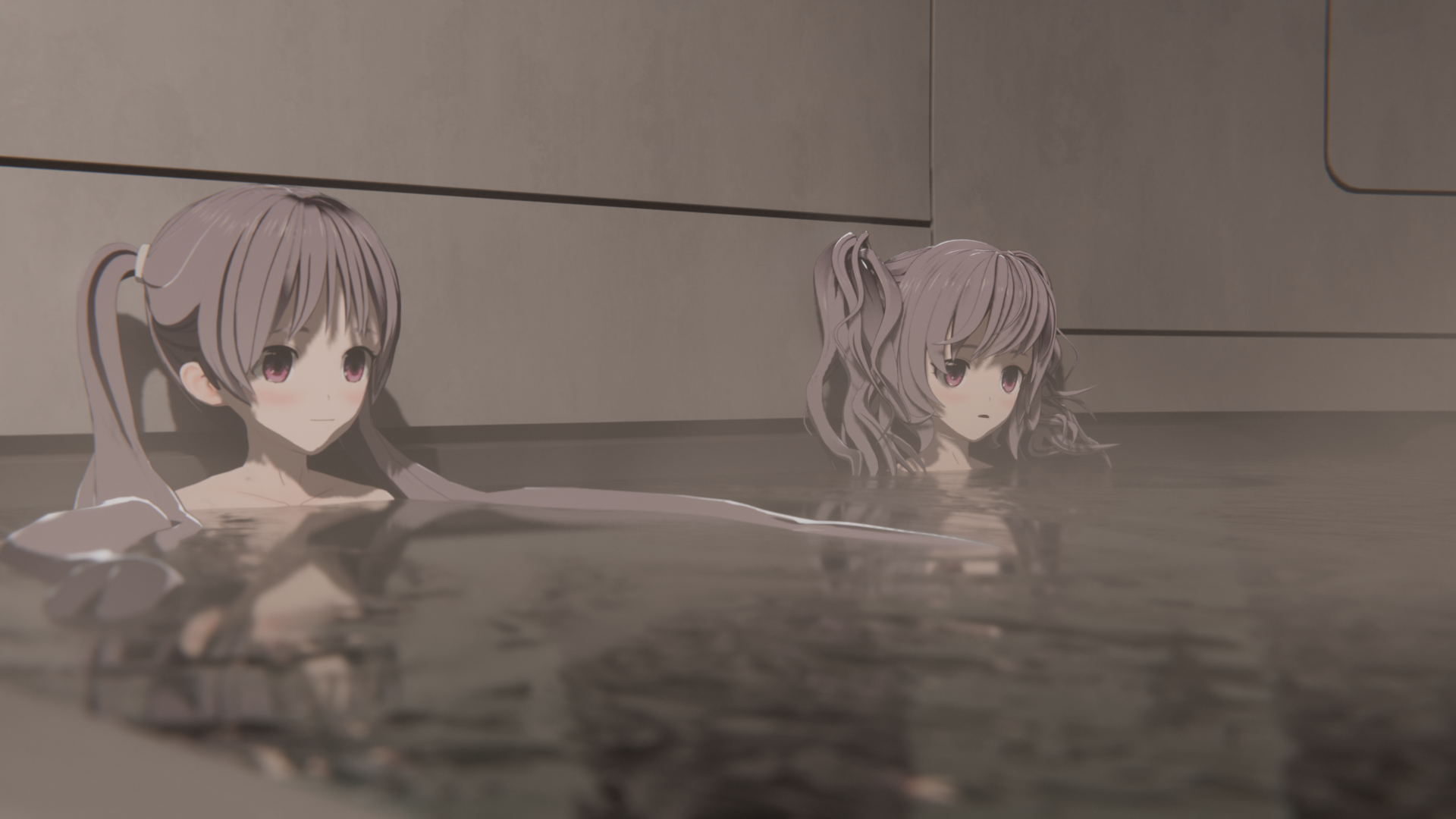
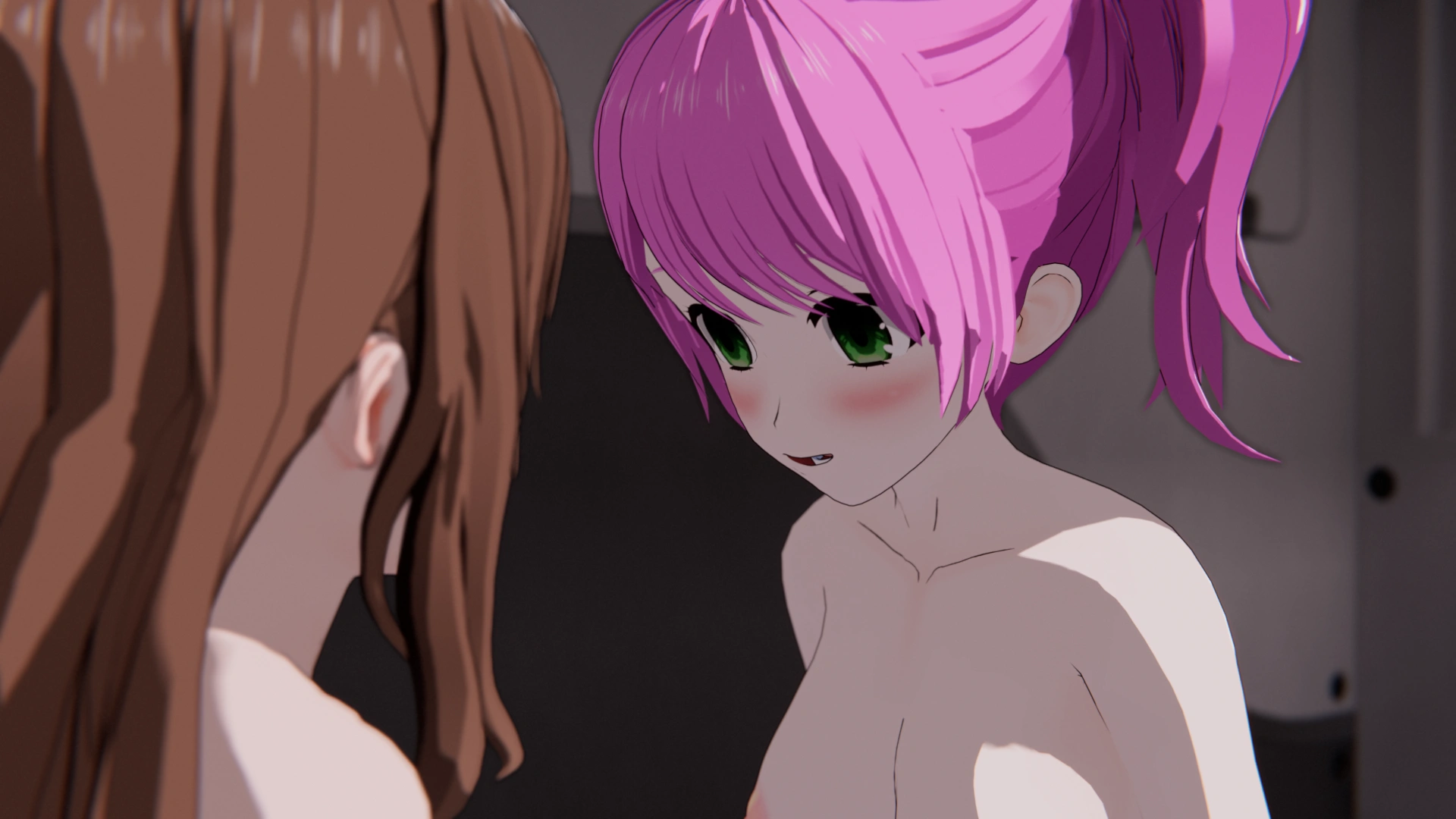
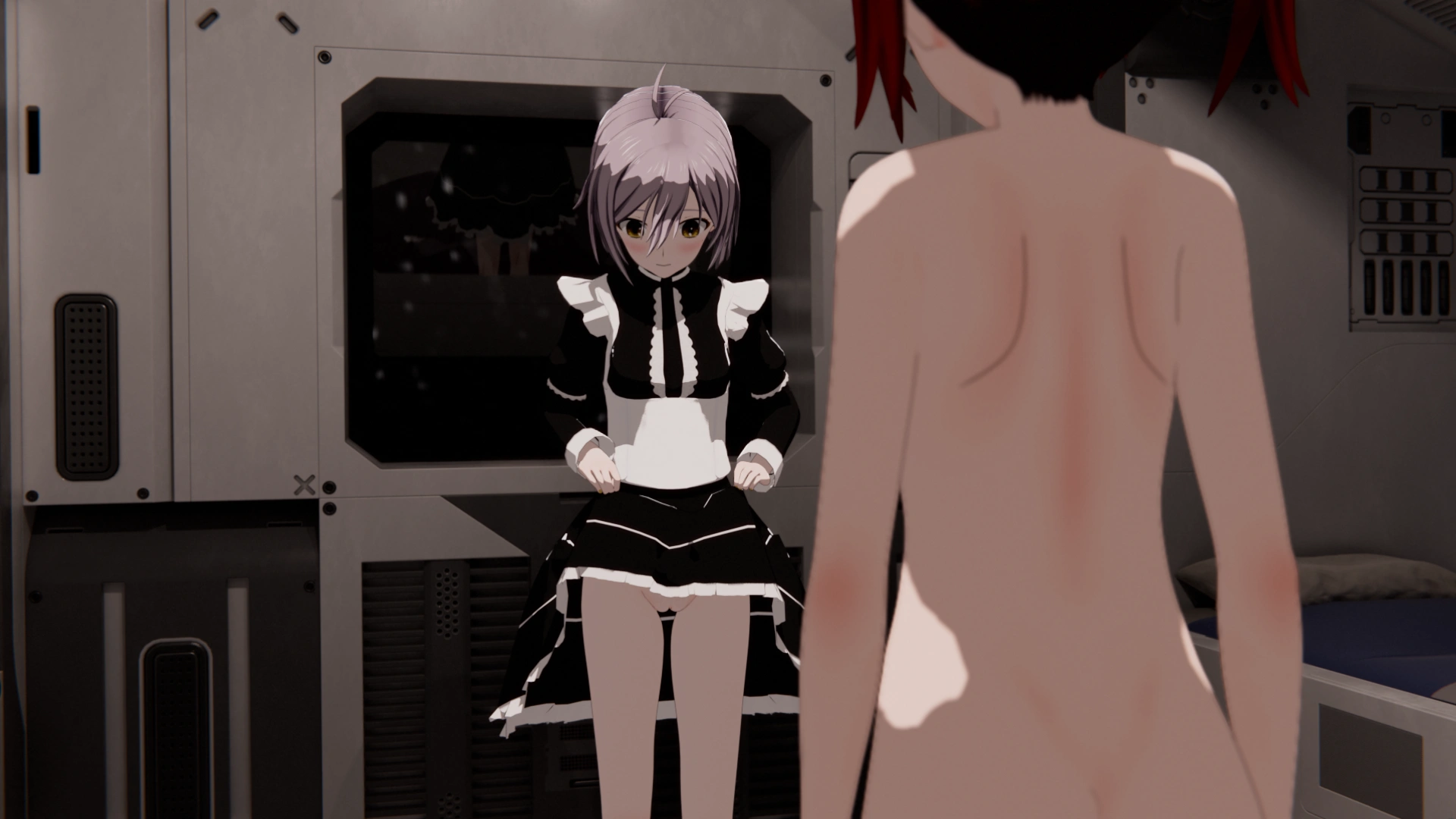
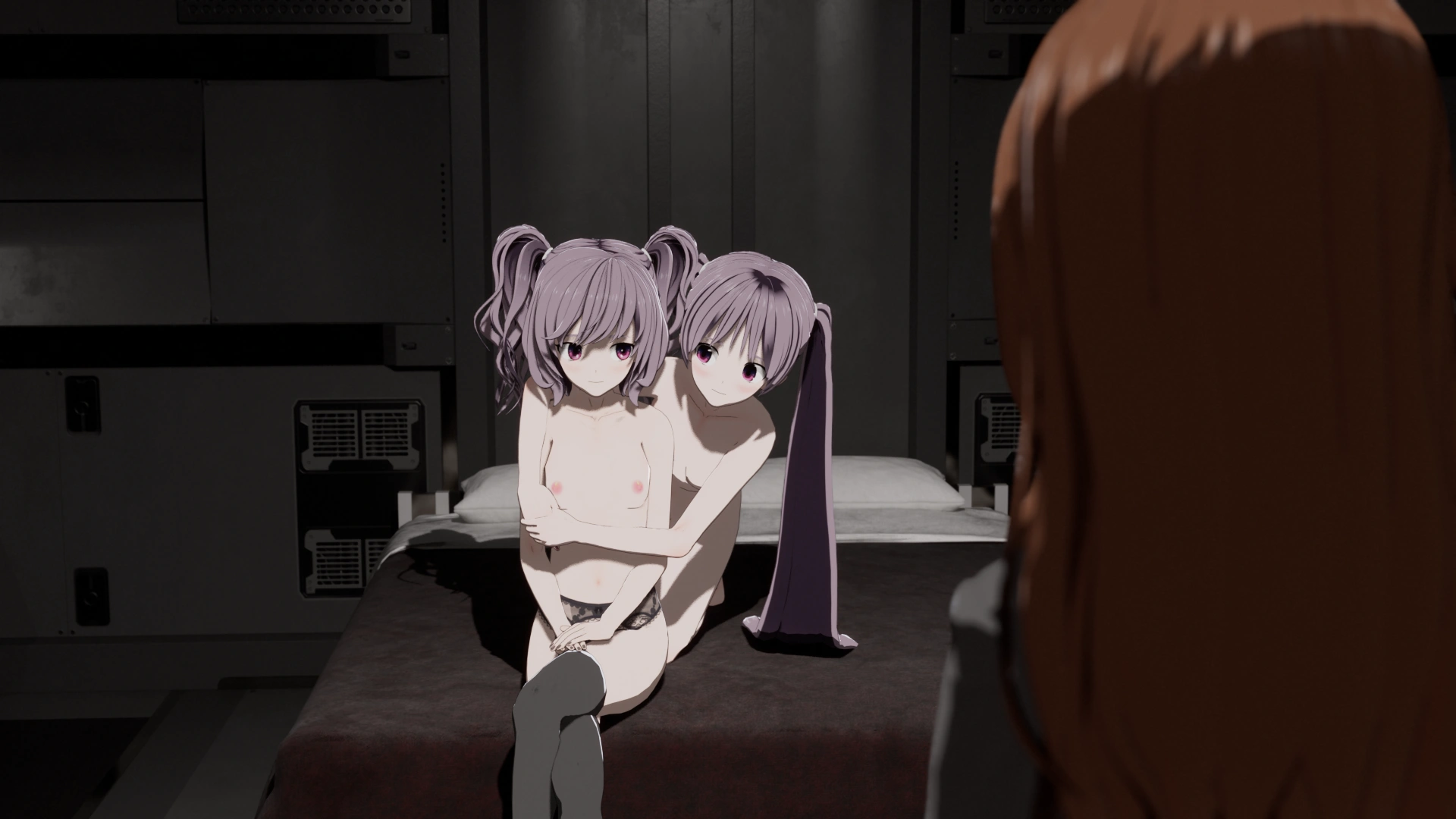
Project: OMNI is a yuri sci-fi visual novel with a linear story taking place across six chapters. At present, Chapters 0 and 1 are completed and playable, totaling approximately 13 hours of content. Chapter 2 and Chapter 3's art assets are in active development, Chapter 4 is written and in revision, and Chapter 5 is in planning. Chapters 0 and 1 contain over 7,800 completely unique scenes, along with bonus images that can be unlocked upon their completion.
Project: OMNI was created without the use of any generative AI. This game will remain always AI-free. The character models were created in Koikatsu, and exported to Blender using the KKBP Addon. The environments were all built in Blender, and the scenes were all rendered using Eevee with a custom anime shader.
Installation & Support
Windows
Unzip the game to your desired location and run ProjectOmni.exe. If desired, create a shortcut.
Linux
Unzip the game to your desired location and run ProjectOmni.sh.
Unfortunately, due to the highly variable nature of Linux distros, I cannot guarantee support for this platform. I will do what I can to address any issues, but it is highly likely that any issues that arise are down to individual system configuration.
Mac
Unzip the game to your desired location and run the resulting application. The first time you run the game, you will receive a warning indicating that the game could harm your Mac. Do not move the game to the trash - instead, just click "Done". To resolve this issue, navigate to your System Settings, go to the Privacy & Security menu, and scroll down to the "Security" section. You will see ""ProjectOmni" was blocked to protect your Mac." Select "Open Anyway," then "Open Anyway" again, and verify with your password if necessary. The game will now open. You will not need to do this again, unless you download an updated version of the game.
Unfortunately I cannot prevent this issue from happening. Project: OMNI is a not-for-profit passion project, and I cannot justify the cost of an Apple Developer certification.
Additionally, while I have validated that the game runs on Apple Silicon, I have not had the opportunity to test an older x86-based Mac. I cannot guarantee functionality or provide support for older hardware.
Android
Depending on your device, installation instructions may vary. If your device is not currently set up for sideloading, please enable that functionality prior to attempting installation. Google is also expected to change how sideloading works in the future, so this version of the game may not be supported if those changes take effect.
Download the APK and connect your Android device to your computer via USB. On your device, you may need to specify that the connection should be used for file transfer. On your computer, access your device files and transfer the APK over. Once transferred, navigate to the APK on your device and install it. Once installed, the game will be playable in your apps.
Development log
- Welcome to Project: OMNI23 days ago
Leave a comment
Log in with itch.io to leave a comment.